
Quality assurance & process governance
When reviews and decisions happen through emails, messages and informal processes, it’s difficult to know what’s been checked, who’s responsible and what’s ready to move forward.
AppFox helps you introduce structured reviews, approvals and clear decision records into Confluence, monday.com and Miro, so teams can follow agreed processes without adding unnecessary manual work.
For quality managers, process owners and operations teams.
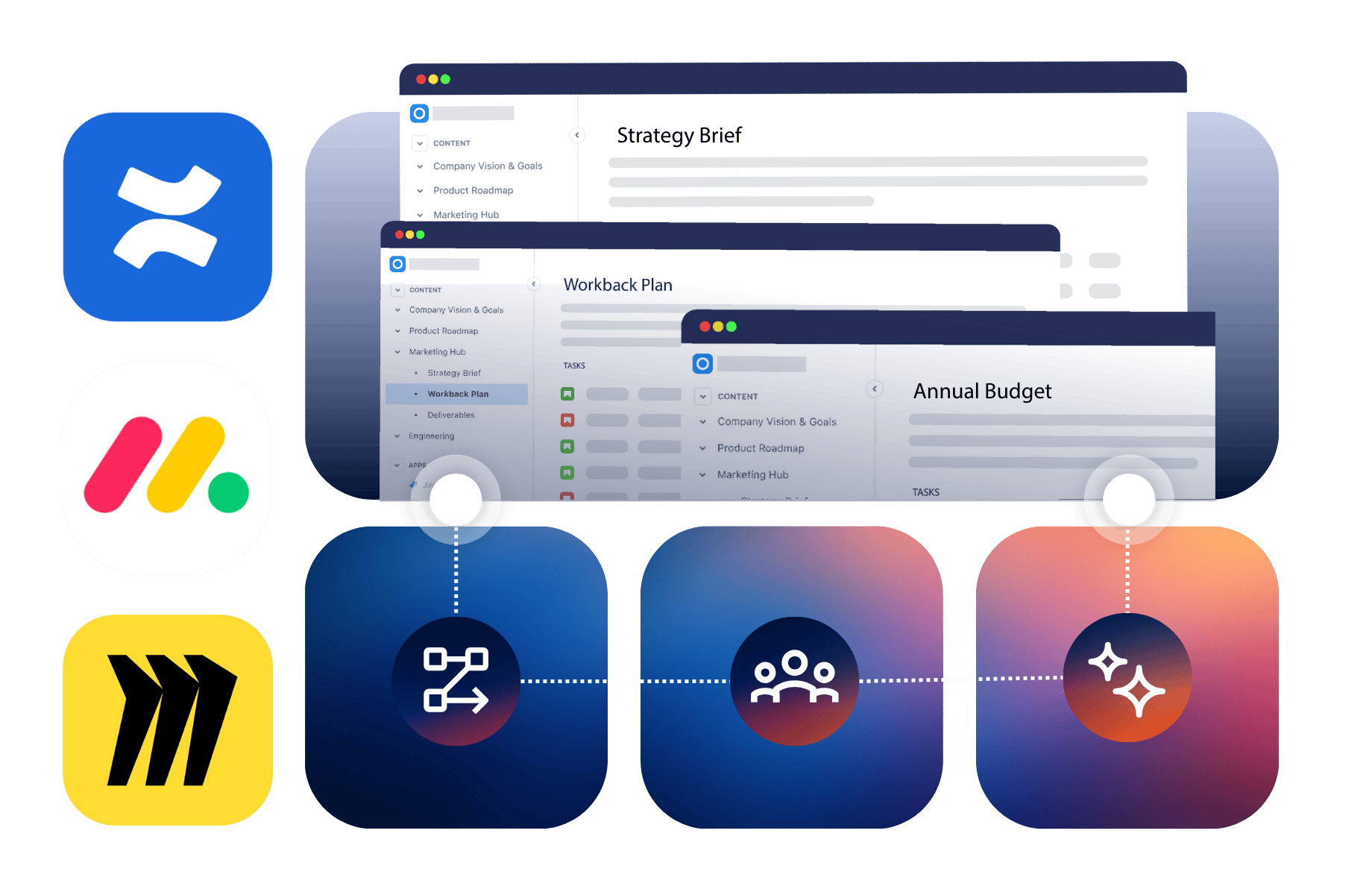
Maintaining consistent standards becomes harder as more people contribute to documents, projects and decisions.
Whether you’re managing controlled documentation, reviewing project deliverables or approving design work, a reliable process needs three things.
A reliable review process relies on:

Clear review responsibilities
Make it easy to identify who needs to review work, who can approve it and when their input is required.

Visibility of progress
Know what’s awaiting review, what’s been approved and where decisions or changes are still needed.

A record of decisions
Keep track of approvals, comments and review history so teams can understand what was agreed without searching through conversations.
Different types of work need different review processes. AppFox gives teams three practical ways to introduce consistent approvals and clearer accountability, without moving work into another system.
Control document quality from review to publication.
Create structured workflows for reviewing and approving procedures, policies and other important documentation. Manage official versions, publish approved pages and automate review, expiry and archiving to keep content under control.
Make sign-off part of your project processes.
Add single or multi-stage approvals to tasks, projects and other work items. Use approval templates, automated notifications and visible status updates to get the right decisions without repeatedly chasing stakeholders.
Bring structure to reviews of visual work.
Manage reviews and approvals for entire Miro boards or individual frames. Assign approvers, track progress and retain decision history, so teams can move from collaborative ideas to agreed plans with greater clarity.
Together, these applications help you apply clearer review and approval practices to different types of work, with decisions kept alongside the content, tasks and boards people already use.
Introducing OneApproval
Important documents don’t always live in the same tool, but the requirements for reviewing and approving them should be consistent.
OneApproval is being developed to let teams request and complete approvals directly in Word and Confluence, use reusable review steps, and track progress and approval history in one central dashboard.
With decisions linked to specific document versions, quality and process owners can see what was approved, by whom and when, without moving documents into another system.
We’re inviting organizations to join our Design Partner Program, work directly with our team, influence the product’s development, and receive preferred pricing when it launches.
Imagine your organization is introducing a new customer onboarding process.
The work involves process owners, operations teams and other stakeholders. Some people work in Confluence, others use monday.com or Miro.
Here’s how AppFox can help teams manage the reviews and decisions involved.
Use Workflows for Miro to send a process map or supporting board frames for review. Involve the relevant stakeholders and record their approval decisions before the team adopts the proposed approach.
Use Workflows for Confluence to move the updated procedure through its required review and approval stages. Create an official document version and publish approved content to the appropriate Confluence space.
Use Approvals for monday.com to manage sign-off on relevant project items, such as implementation tasks or readiness checklists. Reviewers can provide decisions while teams monitor approval progress directly on their boards.
Processes don’t stay the same forever. Use Workflows for Confluence to set review and expiry dates for controlled documents, retain approval history and bring the right people back into the process when updates are needed.
The outcome
A more consistent approach to quality reviews, with clear responsibilities and recorded decisions in the tools teams already use.
As its Confluence documentation grew, RainFocus needed a more reliable way to manage reviews and maintain consistent standards across contributions from different departments.
RainFocus
Workflows for Confluence
With Workflows for Confluence, the team introduced tailored review processes, clearer document statuses and automated permission controls, reducing the manual work involved in managing documentation quality.
“We can now verify every piece of content that gets added – that’s like a superpower.”
Our commitment to security is supported by documented security practices, certifications and independent assurance.
Security certifications are held by Automation Consultants, AppFox’s parent company.
No. AppFox apps help teams manage specific quality assurance activities, including structured reviews, approvals, controlled documentation and records of decisions.
They can support the document control and approval practices used within a quality management system, including processes associated with ISO 9001, but they do not replace a complete QMS or guarantee compliance with a particular standard.
Not at all. Each app provides review and approval capabilities within its own platform.
You can introduce the app that addresses your immediate needs, whether that’s managing documentation in Confluence, approving project work in monday.com or reviewing visual plans in Miro.
These are separate applications rather than one connected approval workflow.
Each helps you manage reviews and approval records within its own platform. The benefit is being able to introduce more consistent working practices without requiring every team to move into the same tool.
It depends on the complexity of your document processes.
Approvals for Confluence is designed for straightforward reviews and sign-offs on whole pages or individual sections, including approval expiry and reapproval.
Workflows for Confluence provides broader document lifecycle management, including custom workflows, multi-stage reviews, official versioning, publishing and expiry controls.
If you’re unsure which fits your requirements, we can help you compare them.
Whether you’re formalizing an existing review process or reducing the manual work involved in managing approvals, we can help you identify the AppFox apps that fit your tools and requirements.
See how structured reviews, clearer sign-offs and better visibility could work for your organization.