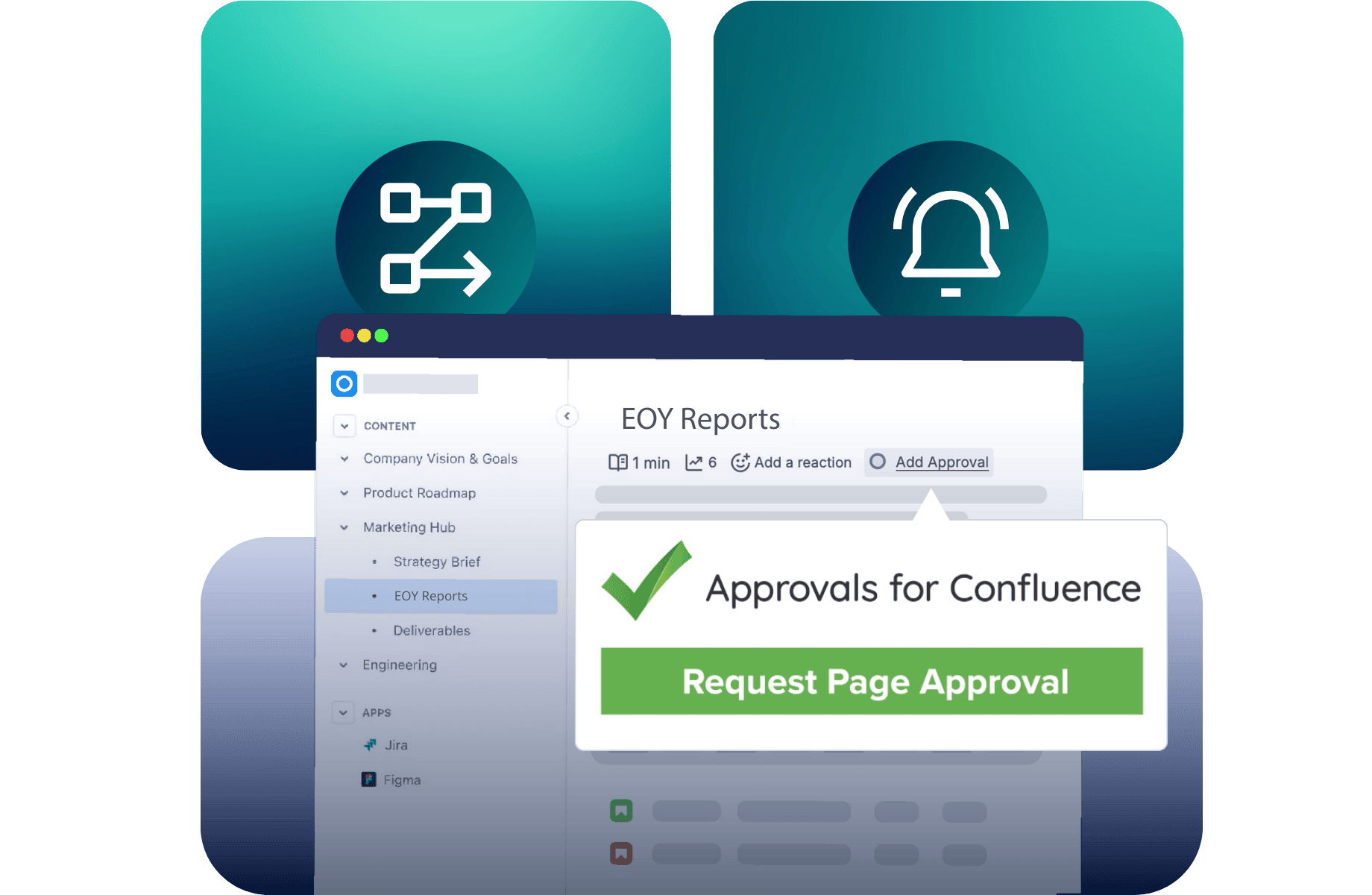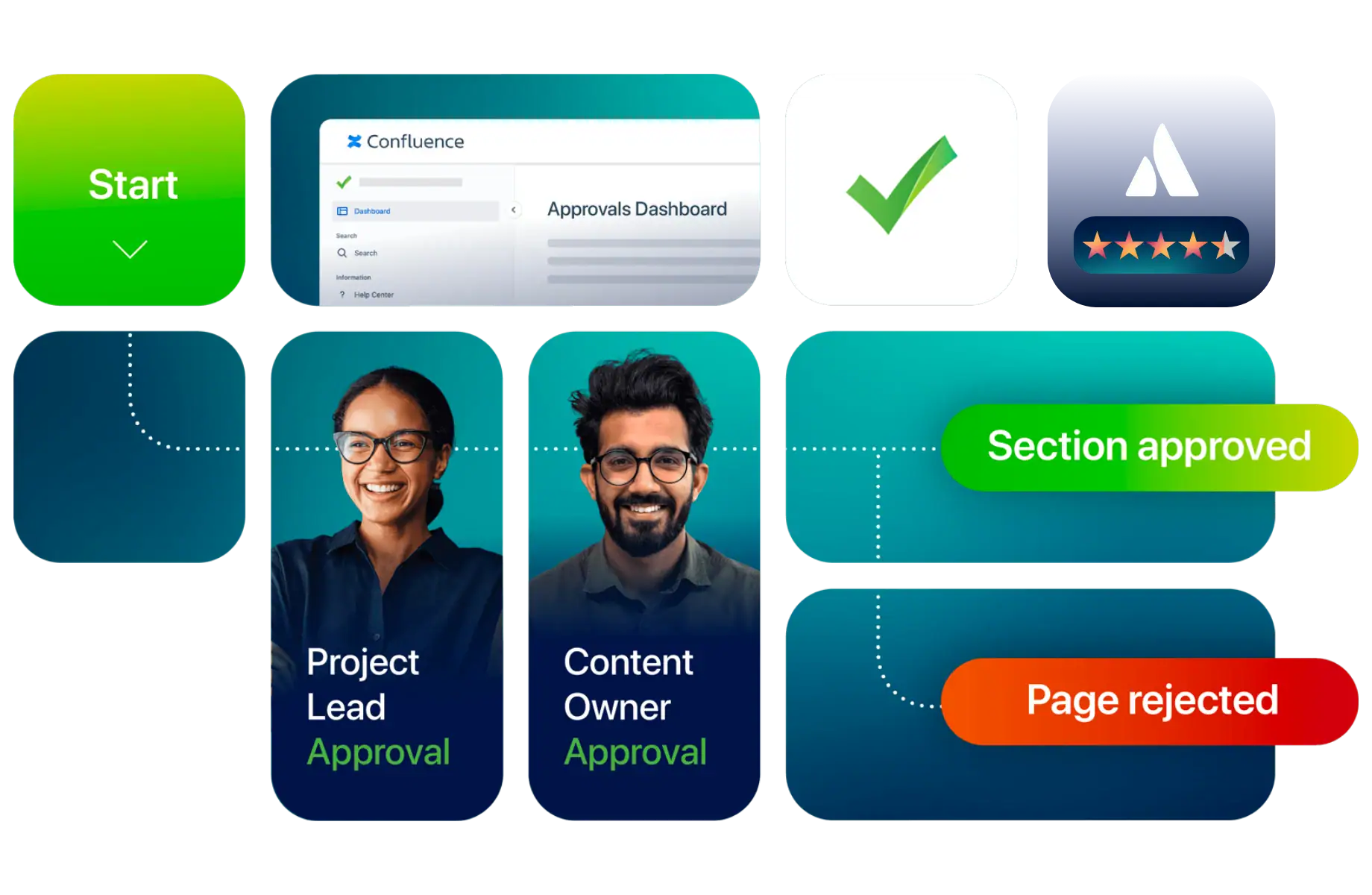






Approvals for Confluence

Get the right pages and sections approved in Confluence

From controlled procedures to technical documentation, make sure important content is reviewed by the right people, with clear records of their decisions.

Approvals for Confluence lets you request sign-off on entire pages or individual sections, track who approved what and when, and set rules for reapproval when content changes. All without configuring complex workflows.

Approvals for Confluence product illustration with Atlassian Marketplace star rating

Trusted by teams at Deloitte, Deutsche Bank, SpaceX and Grammarly.

Keep document approvals clear, current and accountable

Whether you’re approving a policy, maintaining a procedure or coordinating reviews across several departments, Approvals helps you manage sign-offs directly in Confluence.

Manage sign-offs across a complex document

Imagine a controlled procedure that needs input from Quality, Operations and IT. Each department is responsible for reviewing different information, but the procedure needs to remain one document.

Approvals for Confluence makes it possible to coordinate those decisions directly within the page.

1. Assign the right reviewers

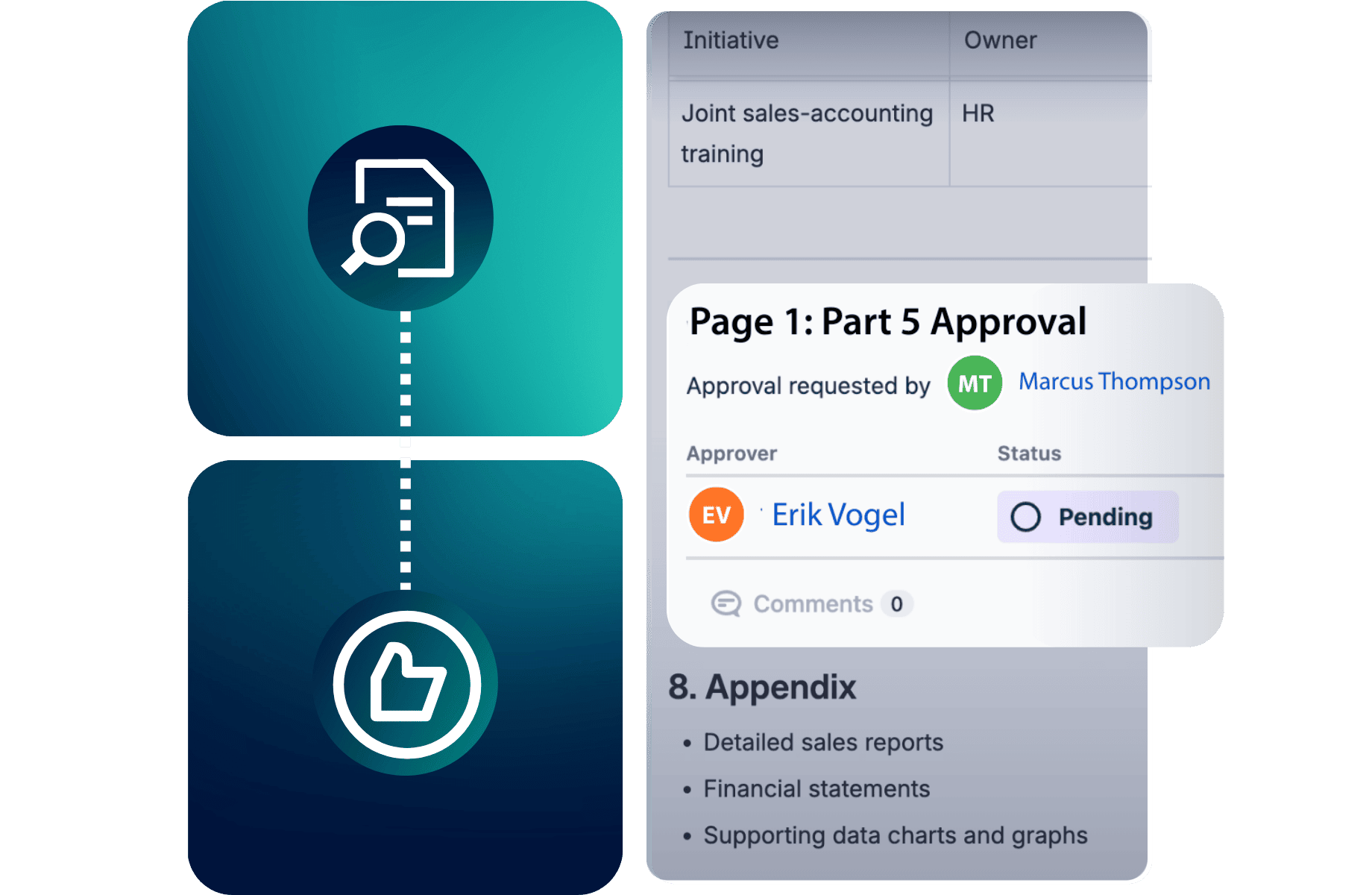
Add Section Approvals to the relevant parts of the procedure and select the people or approval teams responsible for each section. Set the approval requirements and expiry rules needed for the review.

Keep everyone in the loop

2. Collect decisions in context

Reviewers receive notifications when their approval is needed. They can review their assigned content, approve or reject it, and leave comments where appropriate.

The approval status remains visible in Confluence, so document owners can follow progress without chasing separate email threads.

3. Keep approvals current and accessible

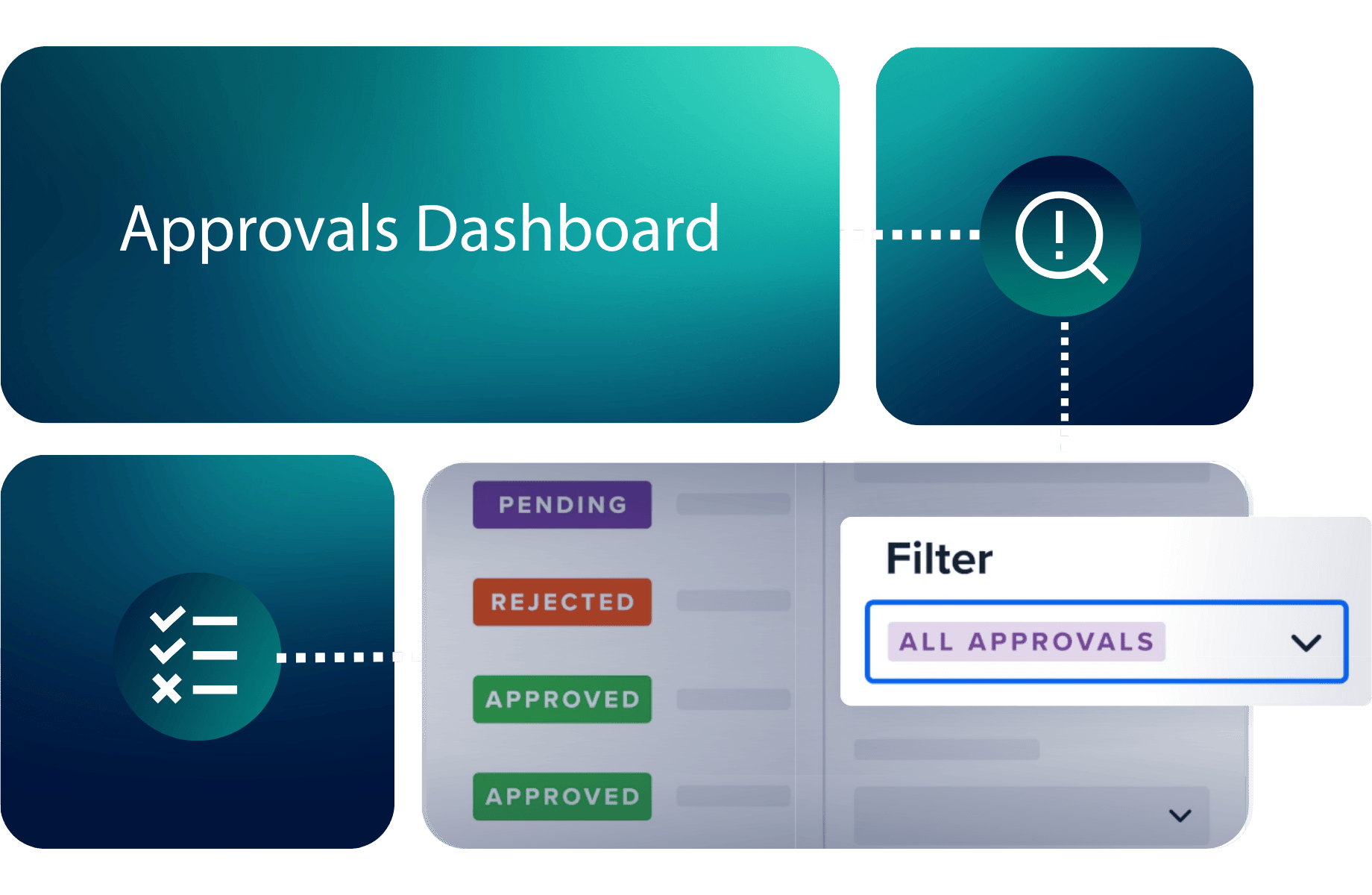
Use the dashboard to monitor outstanding approvals and upcoming expiry dates. When content changes, approval expiry rules help bring it back for review.

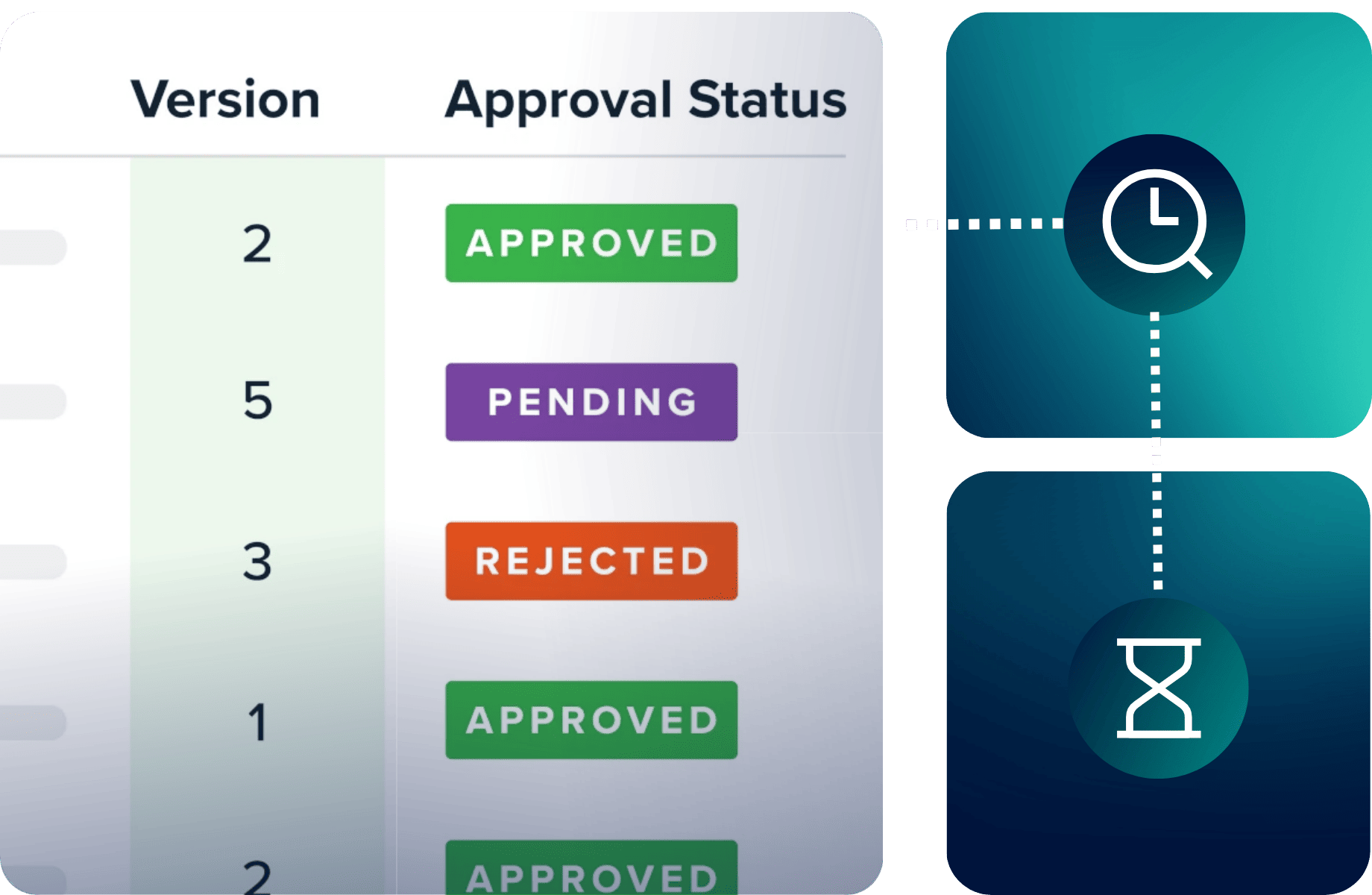
Approval history remains accessible, giving document owners a record of previous decisions.

See how the University of Basel
strengthened document approvals

A great app with a very responsive team. A key part of our regulatory documentation approval processes.

University of BaselDepartment of Clinical Research

Approval history retained in Confluence

Traceable sign-offs for critical validation documents, with approval records kept alongside the content.

The department’s IT team needed a dependable way to manage approvals for critical computer system validation documents while maintaining clear approval records.

Using Approvals for Confluence, the team introduced structured sign-offs directly into its existing Confluence documentation. Reviewers could be assigned to important documents, while approval decisions remained accessible within Confluence.

The result was a more manageable approach to document review and recordkeeping, supporting the department’s regulatory documentation requirements.

Working on wider quality or compliance requirements?

Approvals helps you manage document sign-offs in Confluence. But your wider requirements may also involve consistent quality processes, protecting sensitive information or managing content throughout its lifecycle.

Explore how AppFox can help you address those connected challenges.

Quality Assurance & Process Governance

Make consistent reviews part of everyday work

When quality processes involve multiple teams, clear responsibilities and documented decisions become essential. Explore how AppFox helps organizations manage reviews, approvals and quality processes across their work.

Strengthen quality processes →

Regulatory Compliance

Bring more control to regulated documentation

Document approvals are one part of maintaining effective compliance processes. Explore how AppFox helps teams manage controlled content, protect sensitive information and keep useful records for compliance reviews and audit preparation.

Improve audit readiness →

Document & Content Lifecycle Management

Manage content beyond the approval stage

When your requirements extend beyond sign-off to versioning, publishing, ongoing reviews and content management across different tools, explore how AppFox helps teams manage the wider document lifecycle.

Manage the document lifecycle →

Frequently asked questions about Approvals for Confluence

Confluence includes native page approvals on Premium and Enterprise plans, allowing teams to request sign-off and keep a history of decisions.

Approvals for Confluence offers additional controls, including Section Approvals, approval expiry based on edits or dates, a dedicated approvals dashboard and exportable approval history.

It’s particularly useful when you need different people to approve different parts of a document or want a dedicated way to monitor recurring approvals.

Both apps help teams manage reviews and approvals, but they serve different requirements.

Approvals for Confluence focuses on page and section-level sign-offs, approval records and reapproval, without requiring a full workflow to be configured.

Workflows for Confluence provides broader document lifecycle management, including custom multi-stage workflows, official versioning, publishing and archiving.

If your main requirement is to get documents or sections approved, Approvals may be the simpler choice. If you need to manage what happens before, between and after approval stages, Workflows is likely a better fit.

You can configure an approval to expire when a page is edited or after a specified date or period.

When the configured expiry condition is met, the approval returns to pending, allowing the document to go through another review.

You can also use the Approvals dashboard to identify pending approvals and pages approaching expiry.

Yes. Approvals for Confluence lets you view approval history showing decisions, reviewers and timestamps, with associated comments where provided.

Approval history can also be exported to CSV, making it easier to gather supporting records for internal reviews and audit preparation.

These records can support documented approval processes, including those relevant to ISO 9001, without replacing your organization’s wider quality-management requirements.

You don’t need to build a complex workflow to start using Approvals for Confluence.

Once the app is installed, you can add page or section approvals, select reviewers and configure the settings needed for each approval.

Our user guides and tutorials can help you get started.

If you’re introducing approvals across a large Confluence environment or have more complex documentation requirements, talk to our team about your plans and available support options.

OneApproval is the next evolution of our document approval software, built on years of experience developing Approvals for Confluence.

We created OneApproval after customers asked us to bring the same approval experience to other tools their teams use. It will let teams request and manage approvals directly in Confluence and Microsoft Word, with one central place to track progress, decisions and approval history across their documents.

Explore OneApproval and see what we’re building for 2027.

Approvals for Confluence remains available and continues to support your document approval needs today.

As OneApproval rolls out in 2027, it will become our primary document approval product for new customers. We’re also planning to transition Approvals for Confluence into the OneApproval experience in late 2027, including through the Atlassian Marketplace.

Existing customers will be supported through this change, and we’ll communicate the details of the transition, including any migration steps, before action is required.

In the meantime, you can continue using Approvals for Confluence or explore what’s coming with OneApproval.

Ready to get your Confluence content approved?

Give the right people a clear way to review and approve important documents, keep sign-offs current and retain records of their decisions.

Start your free trial through Atlassian Marketplace, or speak to our team if you’re planning a larger rollout or have more complex requirements.