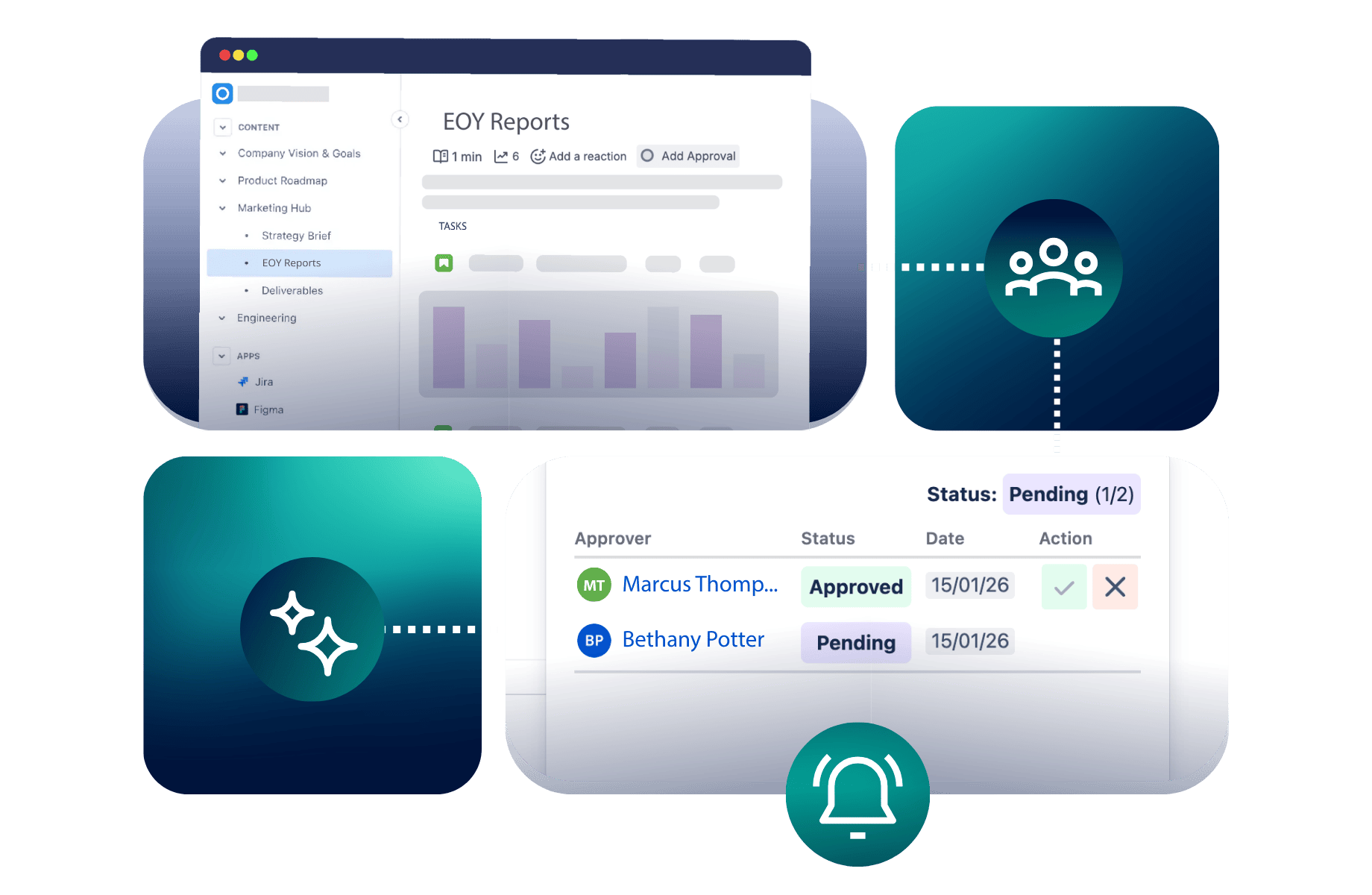
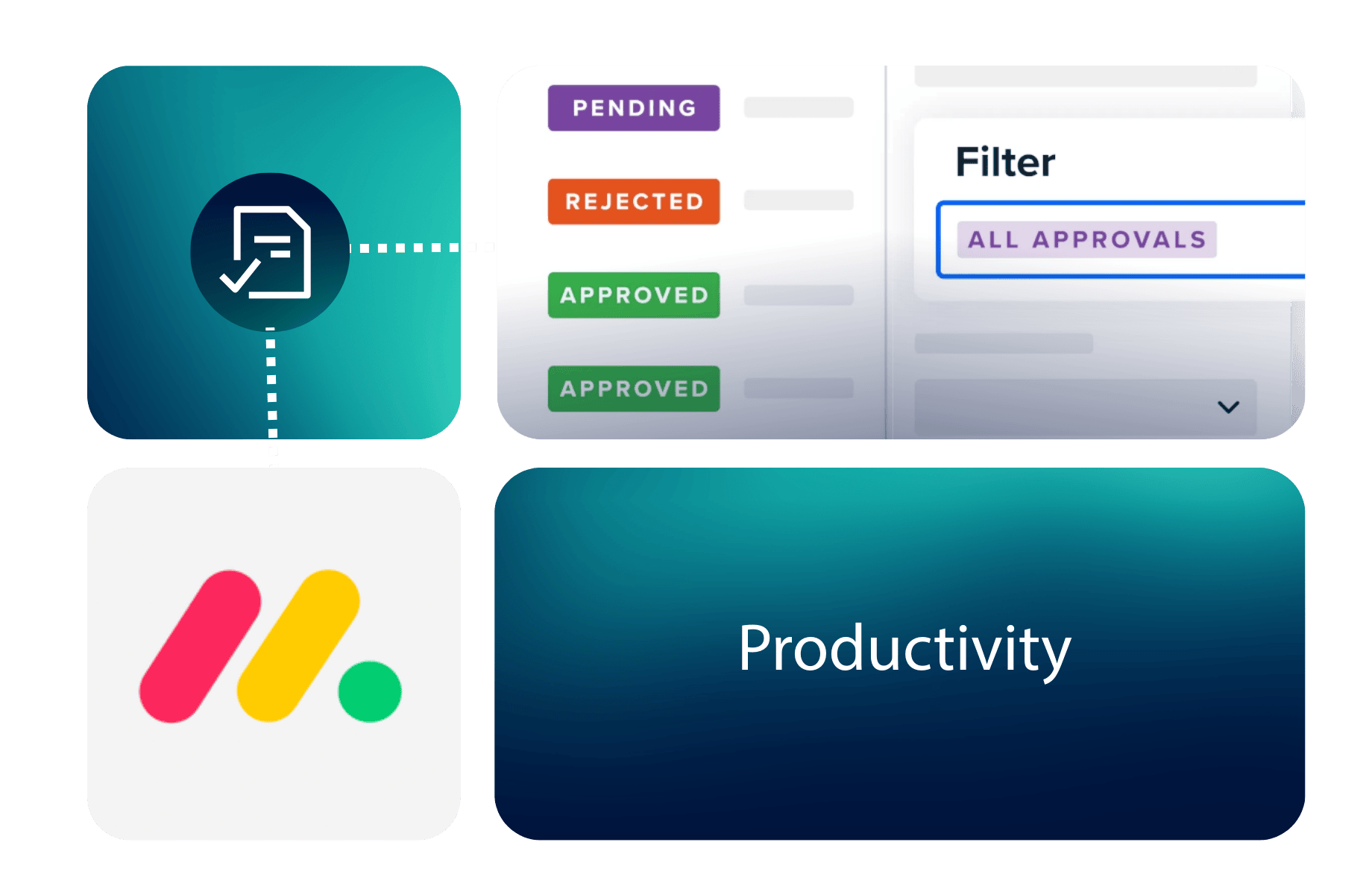
Approvals for monday.com

Get the right sign-offs before work moves forward in monday.com

When a task, project or deliverable needs approval, make it clear who’s responsible for reviewing it, what decisions are outstanding and when work can move forward.

Approvals for monday.com lets you add single or multi-stage approvals to your board items, assign the right reviewers and reuse approval processes across your projects. Track progress and keep a record of decisions without coordinating every sign-off through separate email threads.

Approvals made easy in monday.com

Manage approvals as part of your everyday work

Whether you’re reviewing project deliverables, approving campaign plans or coordinating decisions across departments, Approvals helps you build clear review processes into the work already happening in monday.com.

Keep project sign-offs moving from review to completion

Imagine you’re coordinating a marketing campaign in monday.com.

Before the campaign launches, the final plan needs approval from the Marketing Lead and Legal team. Everyone needs to know who’s responsible for reviewing it, whether changes are required and when the team can move ahead.

Here’s how Approvals for monday.com can help.

1. Set up the review process

Create an approval template for your campaign deliverables, assigning the Marketing Lead to the first approval stage and Legal to the next.

Apply the template to the relevant monday.com item so the review process follows the agreed order.

2. Collect decisions and feedback

Reviewers receive notifications when their approval is required.

They can approve or reject the item and provide feedback. The next stage of a sequential approval process follows once the required approval decisions have been made.

3. Keep the project board up to date

Monitor approval progress using the status and approver columns on your monday.com board.

When an item is approved, a configured monday.com automation can move it to the next project stage. If changes are required, the team can address the feedback and request another review.

The outcome

A repeatable way to manage important sign-offs, with clearer responsibilities, visible decisions and less manual coordination as projects move forward.

Managing reviews and approvals beyond monday.com?

Approvals helps you manage sign-offs on the tasks and projects your teams organize in monday.com. But approvals can also form part of wider requirements, from maintaining consistent quality processes to managing important documents throughout their lifecycle.

Explore how AppFox can help with these connected challenges.

Quality Assurance & Process Governance

Make consistent reviews part of how teams work

When reviews involve different departments, documents and project deliverables, clear responsibilities and recorded decisions become increasingly important. Explore how AppFox helps teams introduce structured reviews, approvals and more consistent quality processes across monday.com, Confluence and Miro.

Strengthen QA processes →

Document & Content Lifecycle Management

Keep important content moving beyond sign-off

Approving a project deliverable is one part of managing content. Teams may also need to control document versions, publish approved information and keep important documentation current. Explore how AppFox supports reviews and approvals in monday.com alongside wider document management and publishing requirements in Confluence and collaborative reviews in Miro.

Manage content across tools →

Frequently asked questions about Approvals for monday.com

monday.com status columns and automations can help teams manage straightforward approval requests and track progress.

Approvals for monday.com provides a dedicated review process with assigned approvers, single or multi-stage approvals, sequential or parallel review options, reusable templates and approval history.

This can be particularly useful when several people need to make decisions, approvals happen repeatedly or teams need to keep feedback and decisions connected to the work being reviewed.

Yes. Approvals lets you create multi-stage approval processes and assign different individuals or approval teams to each stage.

You can use sequential approvals when one review must follow another, or parallel approvals when several people can review work at the same time.

Learn about multi-stage approvals

Yes. Create approval templates for the processes your team uses regularly and apply them to multiple items directly from your monday.com board.

Approvals also supports default approval rules and integration with monday.com automations, helping reduce the need to configure recurring approvals manually.

Explore approval templates

You can configure approval status and approver columns to monitor review progress from your monday.com board.

Within the Approvals app, you can review approval history, including recorded decisions and comments. If another review is needed, you can re-request approval.

This helps teams understand what has happened and what still needs attention without reconstructing decisions from separate conversations.

Approvals offers a free option and paid subscription tiers based on approval usage.

Subscription limits determine how many approvals can be created, with different allowances available depending on the plan.

You can review the latest pricing, trial terms and approval allowances on the monday.com Marketplace.

Once installed from the monday.com Marketplace, Approvals can be added to your monday.com boards. You can configure approval columns, select reviewers and start with a straightforward approval process.

More complex setups may involve reusable templates, multiple approval stages, approval teams and automation rules.

Our user guides explain the available options. If you’re planning a larger rollout or have specific requirements, you can contact our team to discuss them.

Ready to make approvals part of your monday.com workflow?

Give your teams a clearer way to request sign-offs, track decisions and manage recurring approval processes without leaving monday.com.

Get started through the monday.com Marketplace, or speak to our team if you’re planning a more complex rollout.