
Platform health & optimization
As your Atlassian environment grows, so does the work required to maintain it. Duplicate custom fields, unused configurations and outdated content can make everyday administration harder than it needs to be.
AppFox helps you spot problems early, clean up Jira more efficiently and keep important Confluence content under control, without adding more manual work.
For Jira and Confluence administrators and Atlassian platform owners.
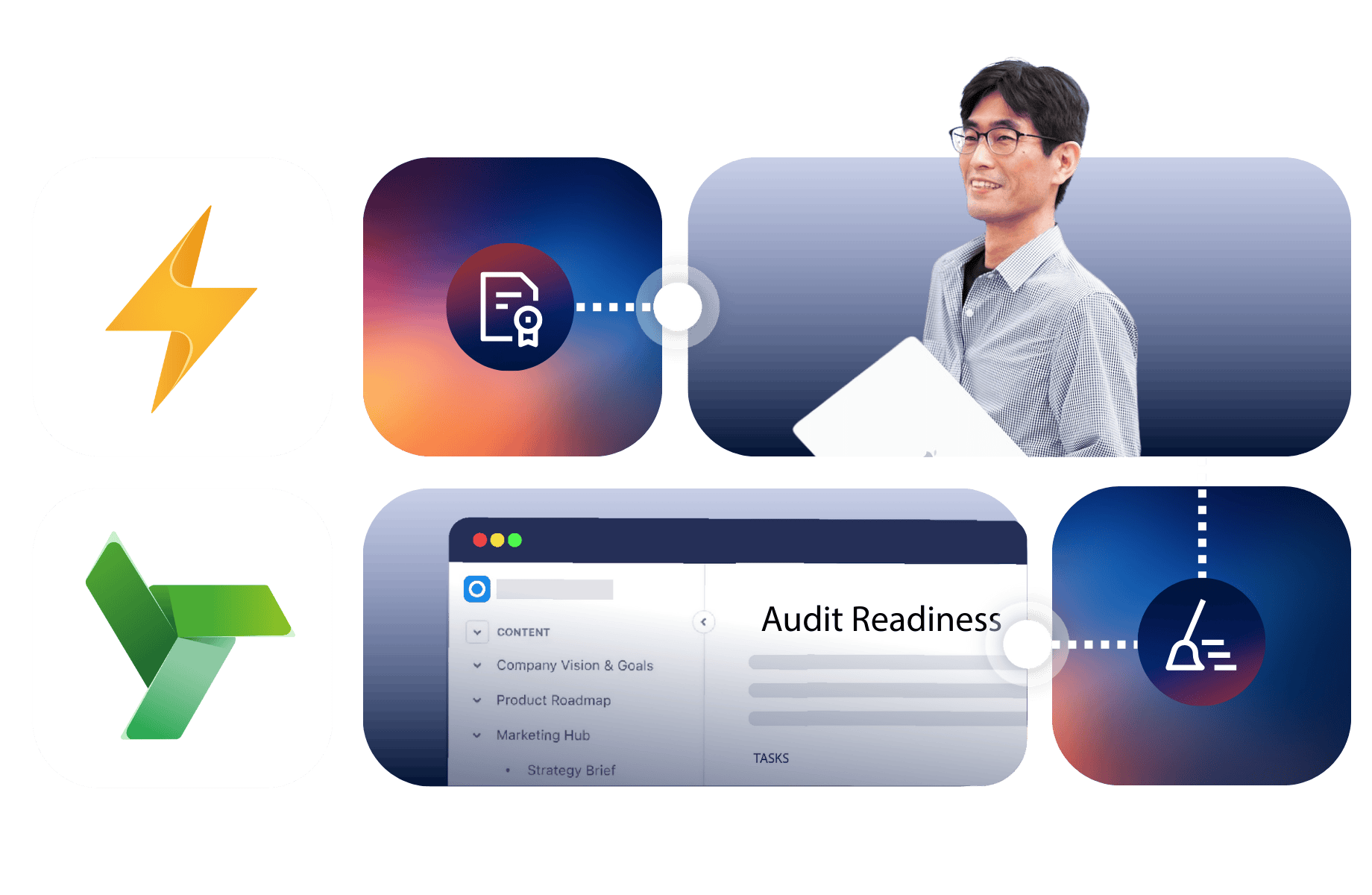
Over time, even well-managed Atlassian environments can accumulate unnecessary configurations, unused projects and content that’s no longer relevant.
Without regular maintenance, these issues create more work for administrators, make migrations more complicated and leave teams relying on information that may no longer be accurate.
Effective Atlassian maintenance relies on:

Know what needs attention
Get a clearer picture of your Jira configuration and identify unused, duplicated or problematic items before they create more work.
Make clean-up manageable
Reduce the time spent making repetitive changes, while keeping control over what gets updated, merged or removed.

Keep important content current
Put review, approval and expiry processes in place so Confluence documentation doesn’t become outdated or unmanaged.
AppFox gives administrators practical tools to reduce configuration clutter and manage content throughout its lifecycle.
Find issues, clean up faster and stay in control.
Run Jira health checks to uncover duplicate custom fields, unused configurations and projects approaching configuration limits. Use bulk actions, field merging and monitoring to tackle problems efficiently and keep your instance manageable as it grows.
Keep content reviewed, approved and up to date.
Manage the lifecycle of important Confluence pages with structured review and approval workflows. Automate publishing, set expiry dates and archive outdated content to reduce manual oversight and maintain confidence in the information your teams use.
Together, these applications help you manage two common sources of Atlassian admin overhead: unnecessary Jira configuration and Confluence content that needs regular review and maintenance.
Whether you’re taking ownership of an established Atlassian environment, preparing for a Jira migration or tackling long-overdue maintenance, AppFox helps you identify what needs attention and put lasting controls in place.
Use Optimizer for Jira to run health checks, review your configuration and identify problem areas such as duplicate custom fields, inactive projects and potential configuration limits.
Prioritize the issues that need attention. Review changes before applying bulk actions, merge duplicate custom fields and archive unused projects to reduce unnecessary administration.
Use Workflows for Confluence to manage document reviews, approvals and publishing. Set expiry dates and automate archiving where appropriate to prevent outdated information from accumulating.
Track Jira health trends, monitor configuration usage and maintain regular content review processes so your environment stays manageable as your organization grows.
The outcome
Make regular maintenance easier, reduce unnecessary admin work and prepare your Atlassian environment for future changes.
Regular maintenance makes it easier to support users, manage change and prevent unnecessary complexity from building up across Jira and Confluence.
Reduce repetitive admin work
Spend less time identifying and updating Jira configurations individually, with tools that support bulk changes and easier maintenance.
Make migrations less complicated
Identify and remove unnecessary Jira configuration before or after a migration, rather than carrying unwanted clutter into your next environment.
Keep information relevant
Reduce the risk of teams relying on outdated documentation by maintaining consistent review, approval and archiving processes in Confluence.
See how Jira health improves
Use health scores, historical results and configuration monitoring to understand where you’ve made progress and what still needs attention.
AppFox helps organizations manage growing Atlassian environments, reduce manual work and maintain greater control over the tools their teams rely on.
Avalara
Optimizer for Jira
After several Jira migrations, Avalara faced redundant custom fields, outdated configurations and increasing maintenance demands. Optimizer for Jira helped its administrators clean up their instance and prepare for further site consolidation.
“This app has been amazing for us. It has helped us clean up after several small migrations.”
RainFocus
Workflows for Confluence
As its documentation grew, RainFocus needed a more consistent way to review and manage content. Workflows for Confluence helped the team introduce structured reviews, approvals and automated processes while reducing manual effort.
“We can now verify every piece of content that gets added – that’s like a superpower.”
Our commitment to security is supported by documented security practices, certifications and independent assurance.



Security certifications are held by Automation Consultants, AppFox’s parent company.
Optimizer for Jira helps administrators identify and address configuration problems, including duplicate custom fields, unused items and projects approaching configuration limits. Health checks, bulk actions and monitoring make regular Jira maintenance easier to manage.
Yes. Optimizer for Jira can help you assess and clean up existing configurations before a migration and identify unnecessary or duplicated items afterward. It supports migration preparation and clean-up rather than performing the migration itself.
Workflows for Confluence helps teams maintain their content rather than their technical Confluence configuration. By managing reviews, approvals, publishing, expiry and archiving, it reduces the manual work required to keep important pages current.
No. Optimizer for Jira and Workflows for Confluence can be used independently, depending on your requirements. If you’re responsible for maintaining both Jira and Confluence, they provide complementary ways to reduce admin overhead and keep your environment under control.
From Jira health checks and configuration clean-up to Confluence content maintenance, AppFox helps your team take control of the work that keeps your platforms running smoothly.
Book a demo to see how our apps can support your Jira and Confluence administration priorities.