




Is your team is still chasing approvals over email or slack, questioning the status of pages, or manually labelling content? If so, you’re leaving yourself open to compliance risks (not to mention missing out on productivity gains).
Automation is the backbone of a scalable, auditable document management process within Confluence. It’s almost impossible, however, to truly automate the content lifecycle with native Confluence functionality alone.
Instead, you’ll need turn to Atlassian Marketplace apps to build robust document control workflows, complete with automated actions and notifications.
Talking of Atlassian Marketplace apps for Confluence…
…let’s introduce you to the Workflows for Confluence app.
Created by our team here at AppFox, Workflows for Confluence is an ideal tool for automating your end-to-end content lifecycle in Confluence:
- Reviewing and approving cross-team content, centrally and securely
- Publishing and sharing organizational documents, from HR policies to Marketing plans
- Managing different kinds of content review processes, from complex multi-stakeholder approval chains, to simple single-stage sign-offs
- Recording all changes and decisions in a comprehensive audit log
With the Workflows for Confluence Marketplace app, you can use Confluence as a powerful document control system – with automated workflows, bespoke approvals and robust audit trails.
Available now on the Atlassian Marketplace to try for free!
What does ‘Automation in Confluence’ actually mean?
When people search for solutions to automate tasks and processes in Confluence, they’re usually dealing with some (or all!) of these common pain points:
- Manual, inconsistent approval processes: We’re talking reviewers forgetting to feed back, pages getting stuck in limbo, and team members having to manually chase reviews via email or Slack.
- Lack of visibility: Stakeholders may grow frustrated when trying to understand where in the approval process a page sits, or need for a comprehensive change log or audit trail for compliance purposes.
- Repetitive page creation: Teams can waste time rebuilding the same structures from scratch, with no standardization.
- Compliance gaps: Without automated triggers and controls, document governance relies entirely on human memory and accuracy, and core processes can fall through the gaps.
Now, Confluence’s native automation features (available in Cloud) can handle some basic triggers, like notifying a user when a page is created, or summarising document changes via email. And these automations can be useful day-today.
But they can’t power the kind of structured, multi-stage document workflows that regulated industries or fast-scaling teams actually need.
Enter the Workflows for Confluence Atlassian Marketplace app. Let’s look at how the two compare.
Native Confluence automation vs. Workflows for Confluence plugin
| Feature | Confluence Native | Workflows for Confluence (AppFox) |
|---|---|---|
| Basic page triggers & notifications | ✅ | ✅ |
| Multi-stage approval workflows | ❌ | ✅ |
| Automate Confluence page creation from templates | Limited | ✅ |
| Publish pages across spaces automatically | ❌ | ✅ |
| Approval history & audit trail | ❌ | ✅ |
| Compliance framework support (ISO, SOC 2, GDPR) | ❌ | ✅ |
| Conditional workflow logic | ❌ | ✅ |
| Role-based review routing | ❌ | ✅ |
The verdict: If you’re trying out simple automatic notifications, Confluence’s built-in tools are a good starting point.
But if you require reliable, auditable, multi-stakeholder document workflows? You need a purpose-built app, like Workflows for Confluence.
What to automate in Confluence: The four areas that matter most
1. Automated document review and approval
This is where teams tend to see the biggest return.
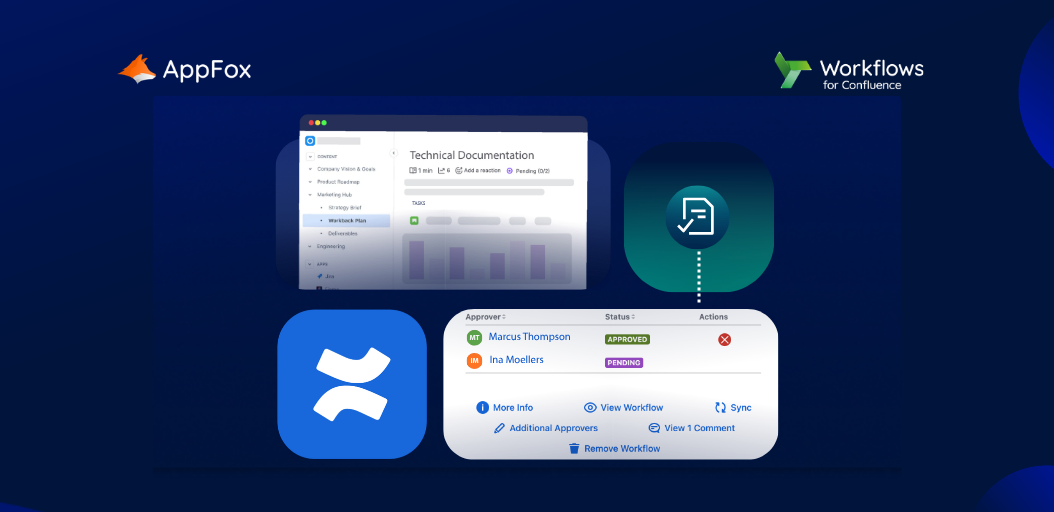
Instead of manually emailing stakeholders or managing approval status via page comments or color-coded labels, you can build automated workflows that seamlessly flow your content through approval check points – all the way through to publishing.
For example, with the Workflows for Confluence app you can build:
- Single-stage approval workflows for straightforward sign-off processes
- Multi-stage, multi-stakeholder workflows for complex documents requiring sequential or parallel reviews
- Conditional branching so that different document types follow different paths
In each case, every action is logged, enabling both visibility and a robust audit log.
“AppFox Workflows for Confluence is an essential tool for our clinical research company, particularly in managing SOP approvals and validation documentation. Its intuitive features streamline these critical processes, ensuring efficiency and compliance. The Approval History feature is invaluable for maintaining transparency and accountability in document reviews.”
— Verified Atlassian Marketplace Review
2. Automate Confluence page creation
Now, this is an area where you could use native Confluence functionality.
The tool does offer blueprint templates and page templates natively, and these are a solid starting point. But they still require manual setup each time.
To automate page creation more effectively, turn to the Workflows for Confluence app again.
You can trigger the creation of structured pages automatically as part of a workflow. When a new product, project, or process requires an SOP, for example, the right page structure can be generated and routed for review without anyone lifting a finger.
Whether you’re looking to automate Confluence page creation for policy documents, onboarding materials, or compliance records, this removes the inconsistency and the admin burden.
3. Automated Publishing Across Spaces
Publishing the approved version of a document to multiple spaces, be that your internal knowledge base, a team space, or a client-facing portal, is a task that’s easy to forget and hard to do consistently at scale.
With the Workflows for Confluence app, you can define exactly where an approved document should be published and at what stage of the workflow that should happen.
Again, this reduces manual overheads and mitigates human error (or forgetfulness!). Crucially, it also ensures that only approved content is published.
4. Compliance Workflow Automation
For teams operating under ISO 27001, ISO 9001, SOC 2, HIPAA, or GDPR frameworks, the compliance argument for workflow automation is clear: If it isn’t logged, it didn’t happen.
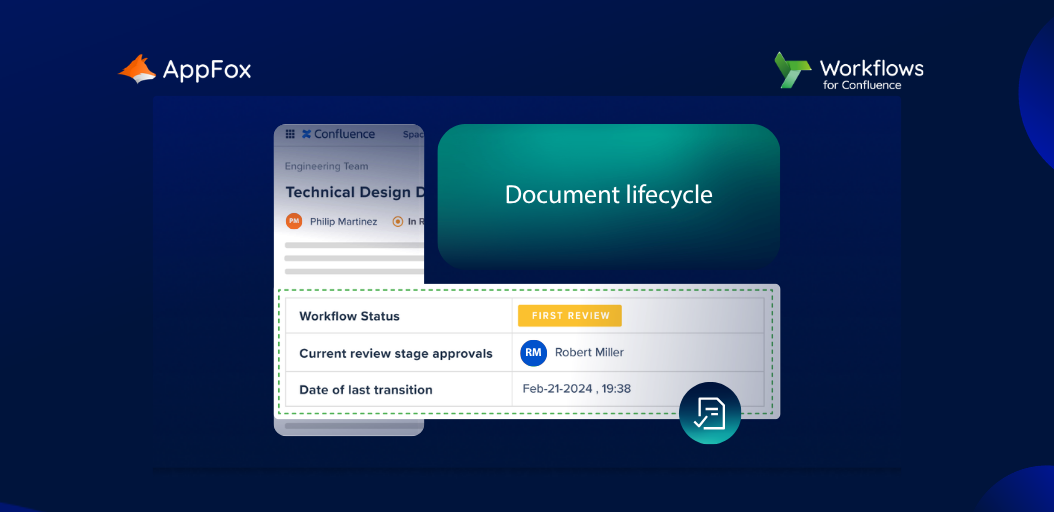
Workflows for Confluence enables you to turn Confluence into a centralized, compliance workflow automation platform, providing essential audit controls, approval histories, and lifecycle tracking.
Did you know?
Teams in highly regulated industries such as clinical research and financial services are using Workflows for Confluence to bring structure and accountability to processes that previously relied on manual coordination and informal communication.
We have a super varied global client base across our product range here at AppFox, but Workflows for Confluence is often particularly valued by those in regulated sectors.
Learn more about our governance and compliance solutions.
The ROI of Confluence automation: What changes when you get this element right?
Here’s a practical breakdown of where teams typically see the biggest return after implementing automation for Confluence:
Time savings: Eliminating manual follow-ups and approval chasing. If you can reclaim just two hours per week per team member, that translates to significant time savings at scale.
Audit readiness: No scrambling before an audit. Approval histories, version trails, and workflow logs are always available, and always accurate.
Consistency: You’ll be confident that every document flows through a consistent approval and publishing process, suited to its team, risk-level and purpose. (With Workflows for Confluence, you can build unlimited workflows, each tailored to your unique document requirements)
Risk reduction: Mistakes can be costly, right? With an automated document lifecycle, you’ll reap the benefits of fewer unapproved documents making it into published spaces, fewer compliance gaps and less human error.
Discover the difference automation makes: Try Workflows for Confluence for free today!
Workflows for Confluence vs. Approvals for Confluence: Which do you need?
Here at AppFox, we’ve created two Atlassian Marketplace apps for automated document management in Confluence. Here’s how to choose which is right for your use cases:
Approvals for Confluence is your starting point. It’s designed for teams implementing their first structured approval process: Straightforward, user-friendly, and quick to set up. Ideal for single-stage sign-off on policies, HR docs, or internal guidance.
Workflows for Confluence is for teams who have more complex use cases. Think multi-stage approvals, automated publishing, compliance controls, conditional logic, and a complete audit trail.
Ready to Put Confluence Automation to Work?
Whether you’re just starting to explore how to automate Confluence, or you’re looking for robust workflow automation to bring your document lifecycle under control, why not try the Workflows for Confluence app out?