







From policies and procedures to technical documentation, keep your content moving through the right reviews and approvals.
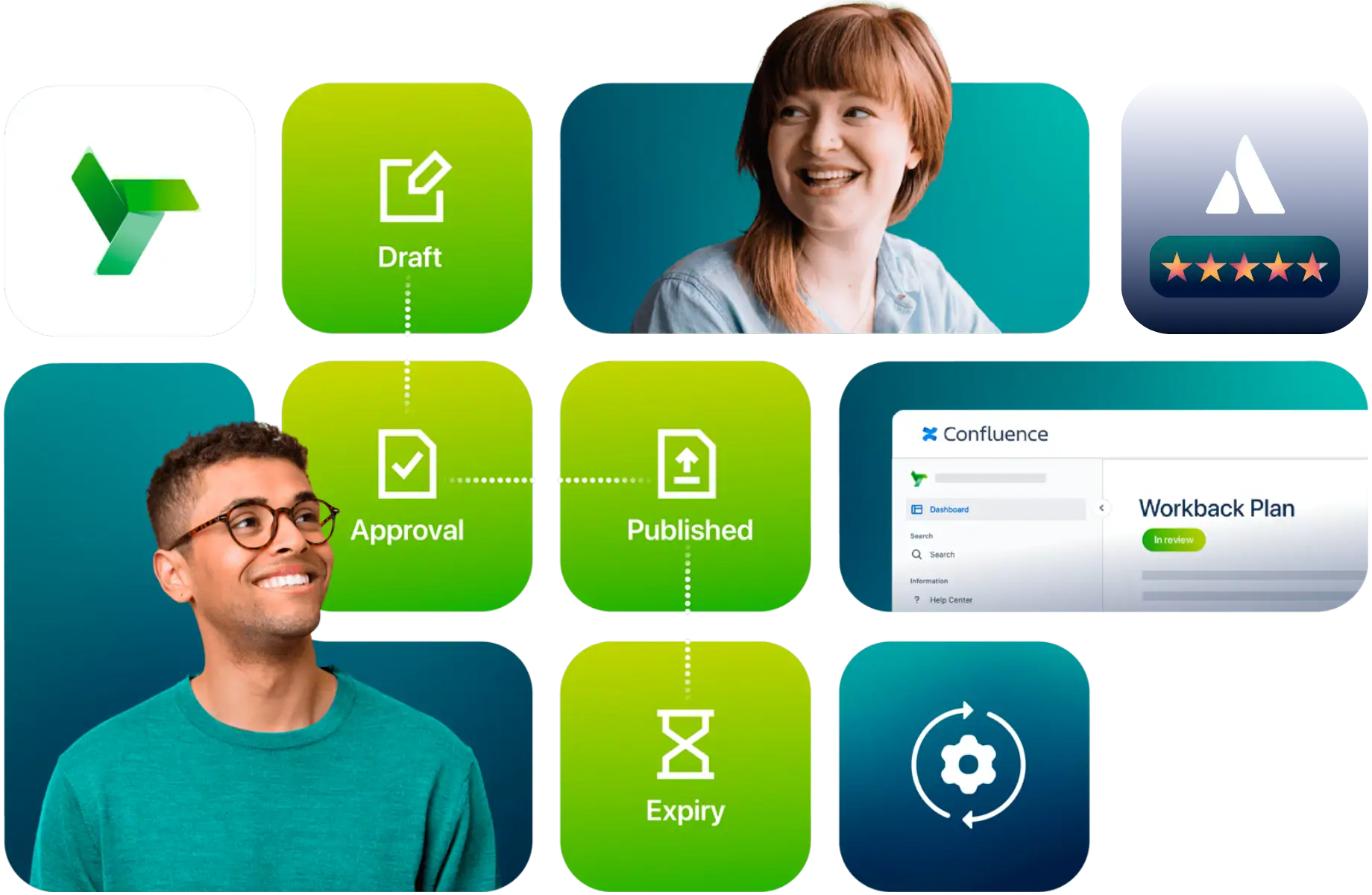
Workflows for Confluence helps you manage the entire document lifecycle with tailored workflows, controlled publishing, official versioning, and automated expiry and archiving. Spend less time coordinating processes and more time creating content people can rely on.
Trusted by 1,000+ teams, including Specsavers, Admiral and Octopus Energy.


Every document has its own requirements. Workflows gives you the flexibility to manage how content is reviewed, approved, published and maintained, without relying on manual processes to keep everything on track.
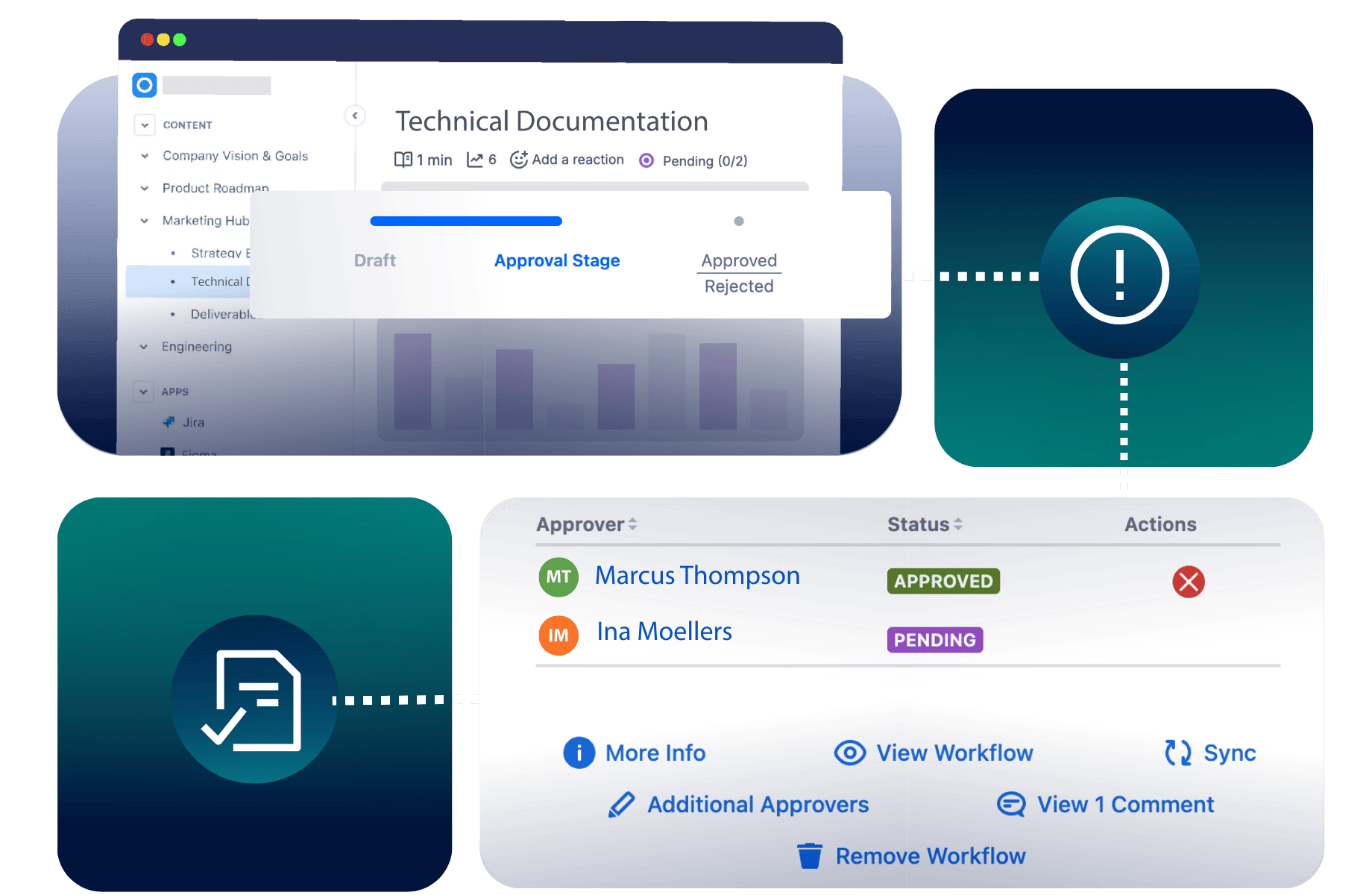
Get the right people involved at the right time. Create tailored approval processes, assign reviewers and automate reminders so important documents follow the correct review process.
Create major or minor official document versions, and retain approval and workflow history to help demonstrate what was reviewed, approved and when.
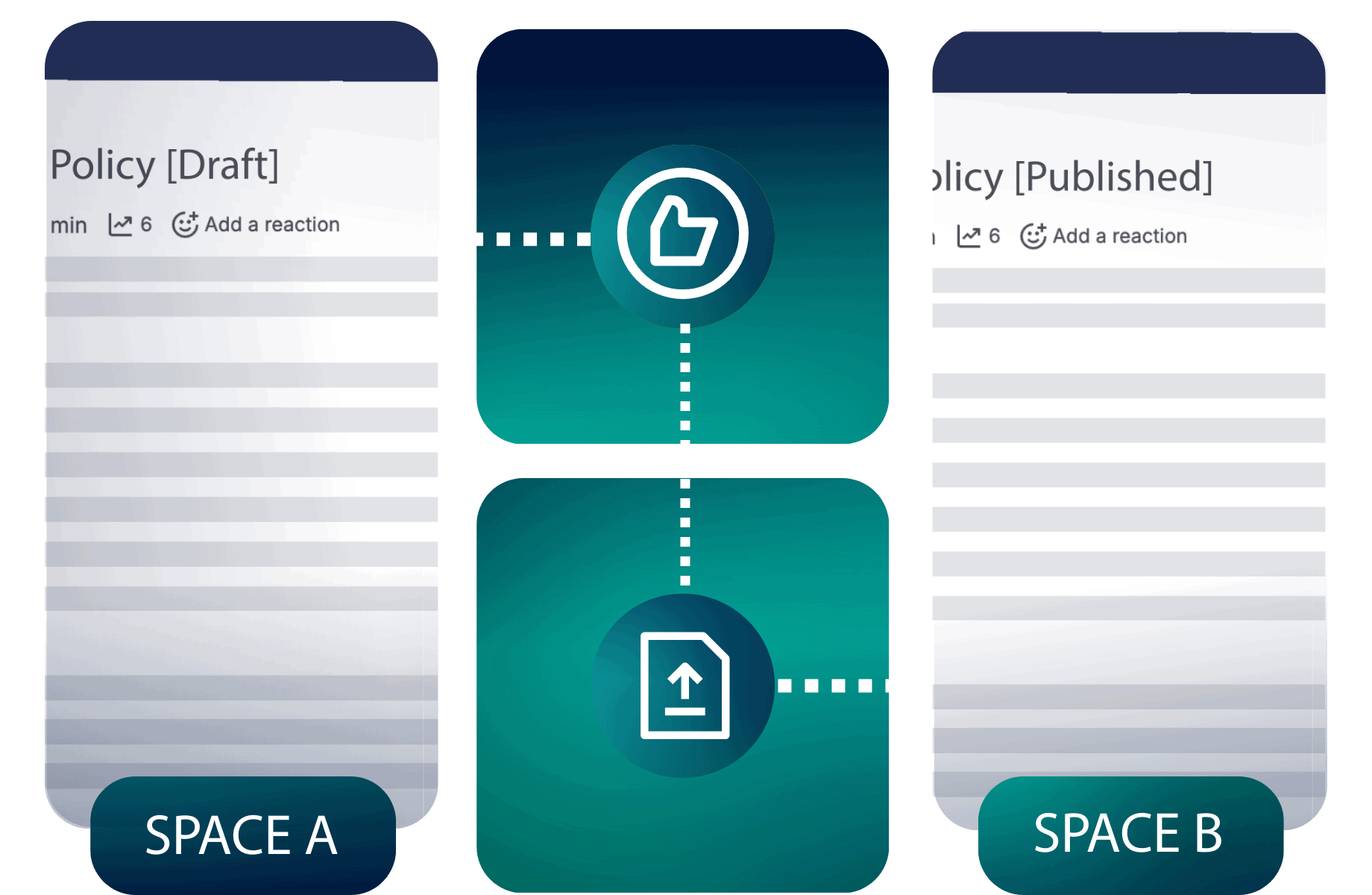
Keep work in progress separate from the information your teams and customers rely on.
With cross-space publishing, Workflows can automatically publish approved Confluence pages to the right locations once the required reviews are complete. Manage updates in a separate working space and give people access to content that’s ready to use.
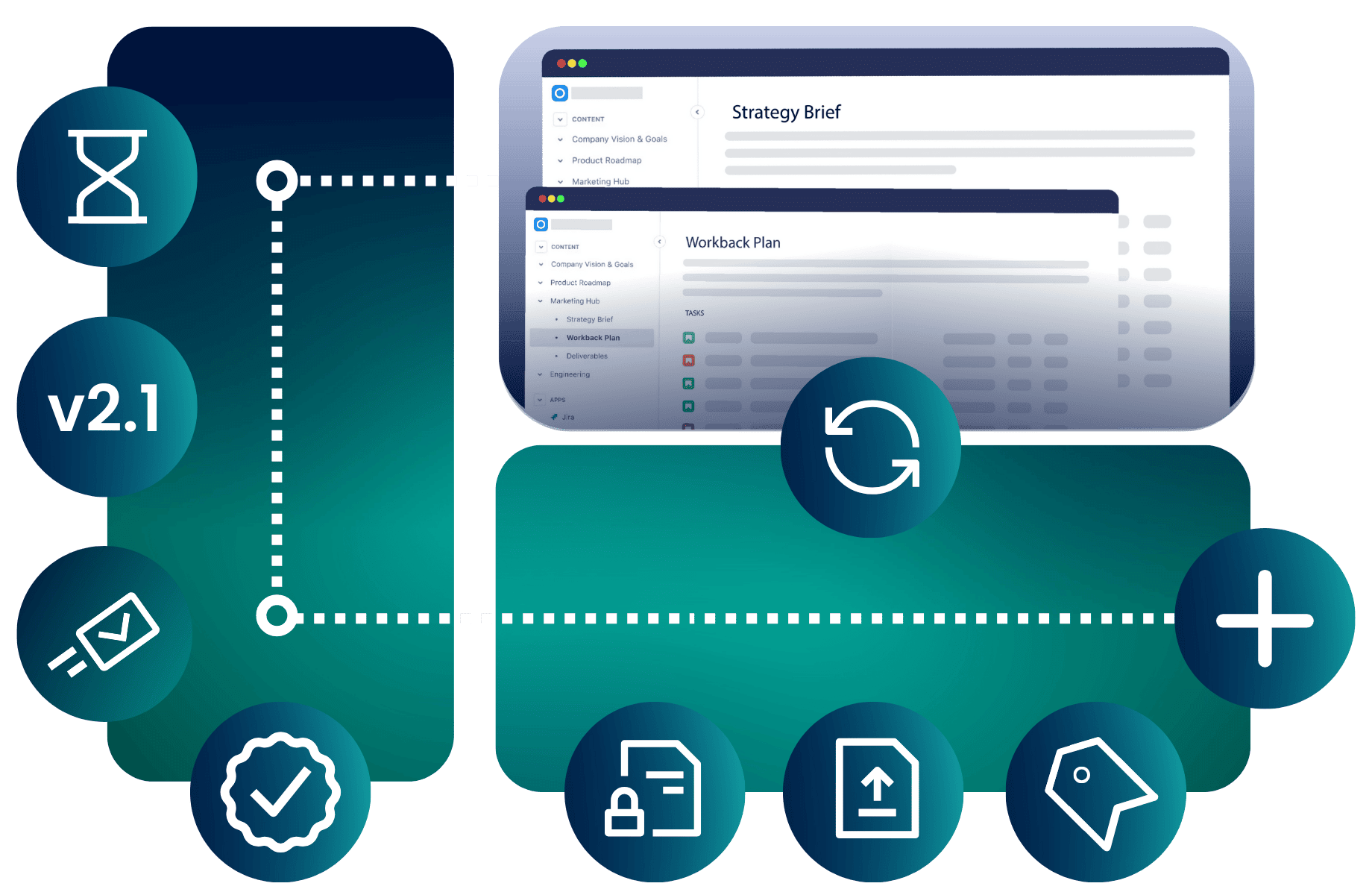
Important documentation needs attention long after its first approval.
Set review and expiry dates, automate follow-up actions and archive outdated content through your workflows. Reduce the time spent manually checking pages and help document owners keep policies, procedures and technical information current.
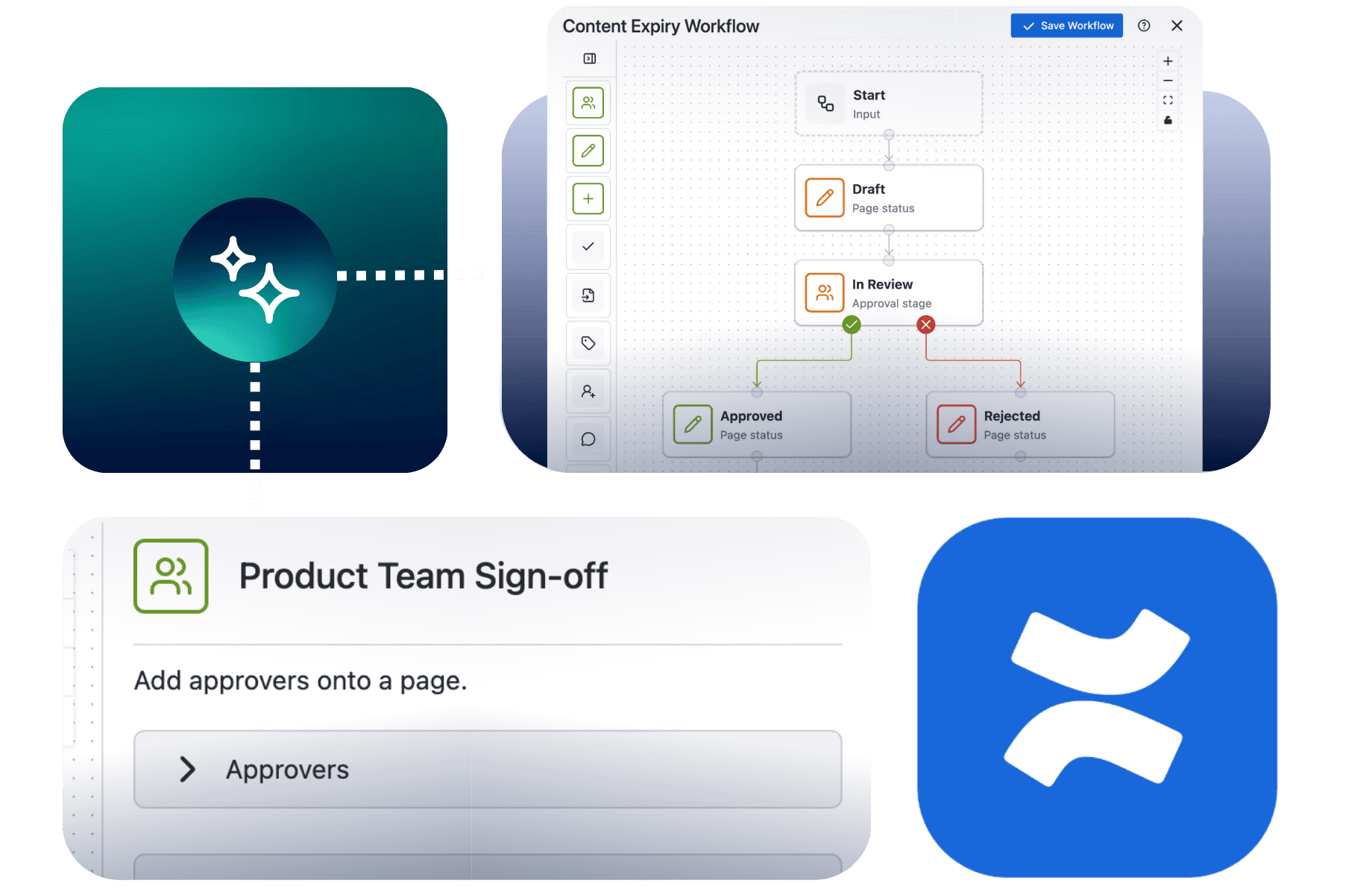
Some documents need a simple sign-off. Others involve several reviewers, different departments and additional controls before they’re ready to publish.
With Workflows for Confluence, you can create processes that reflect your team’s requirements and manage them directly within Confluence.
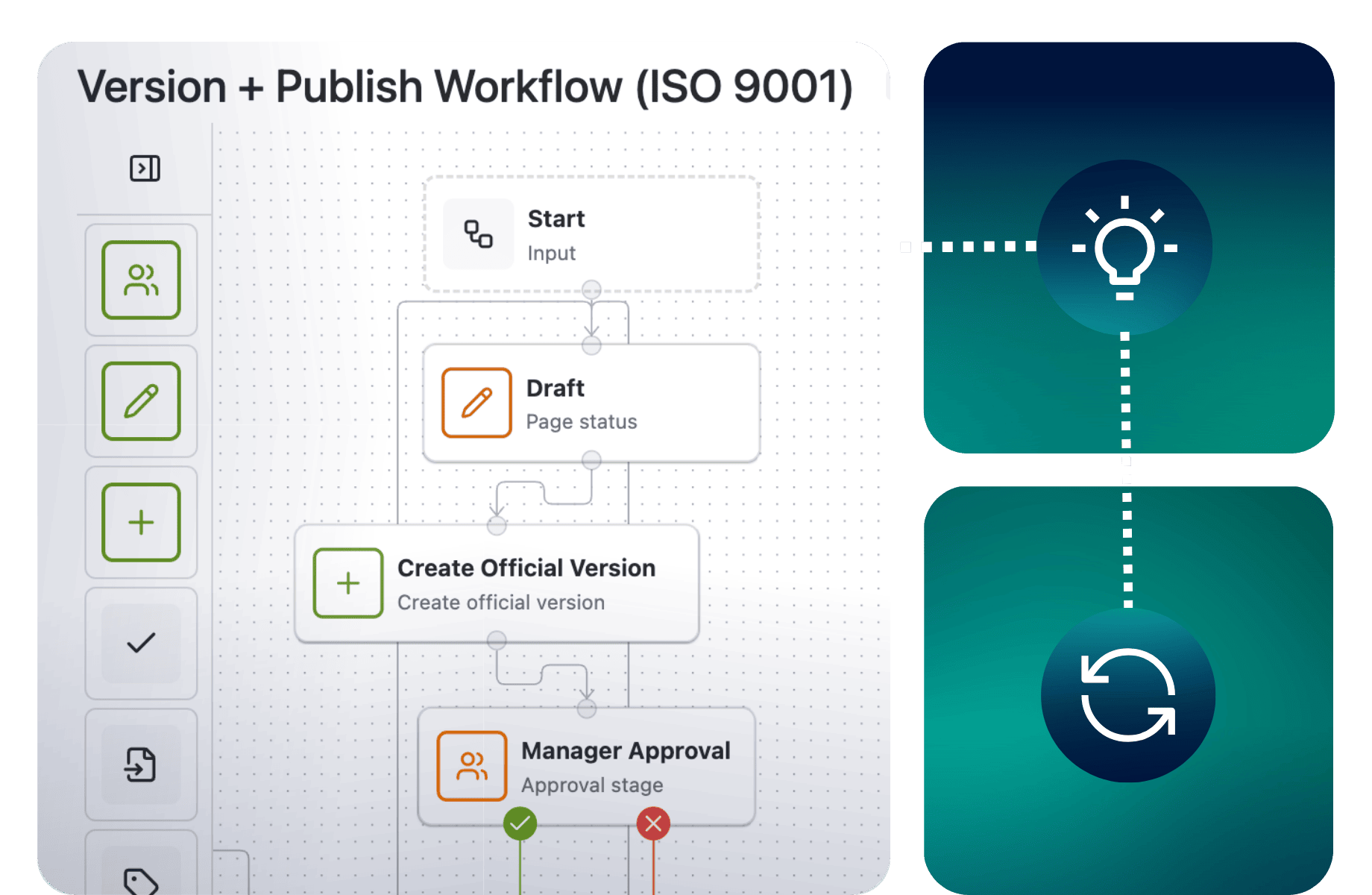
Start with a template or use the visual, drag-and-drop builder to create your own. Define document statuses, approval stages, responsibilities and automated actions to match your process.
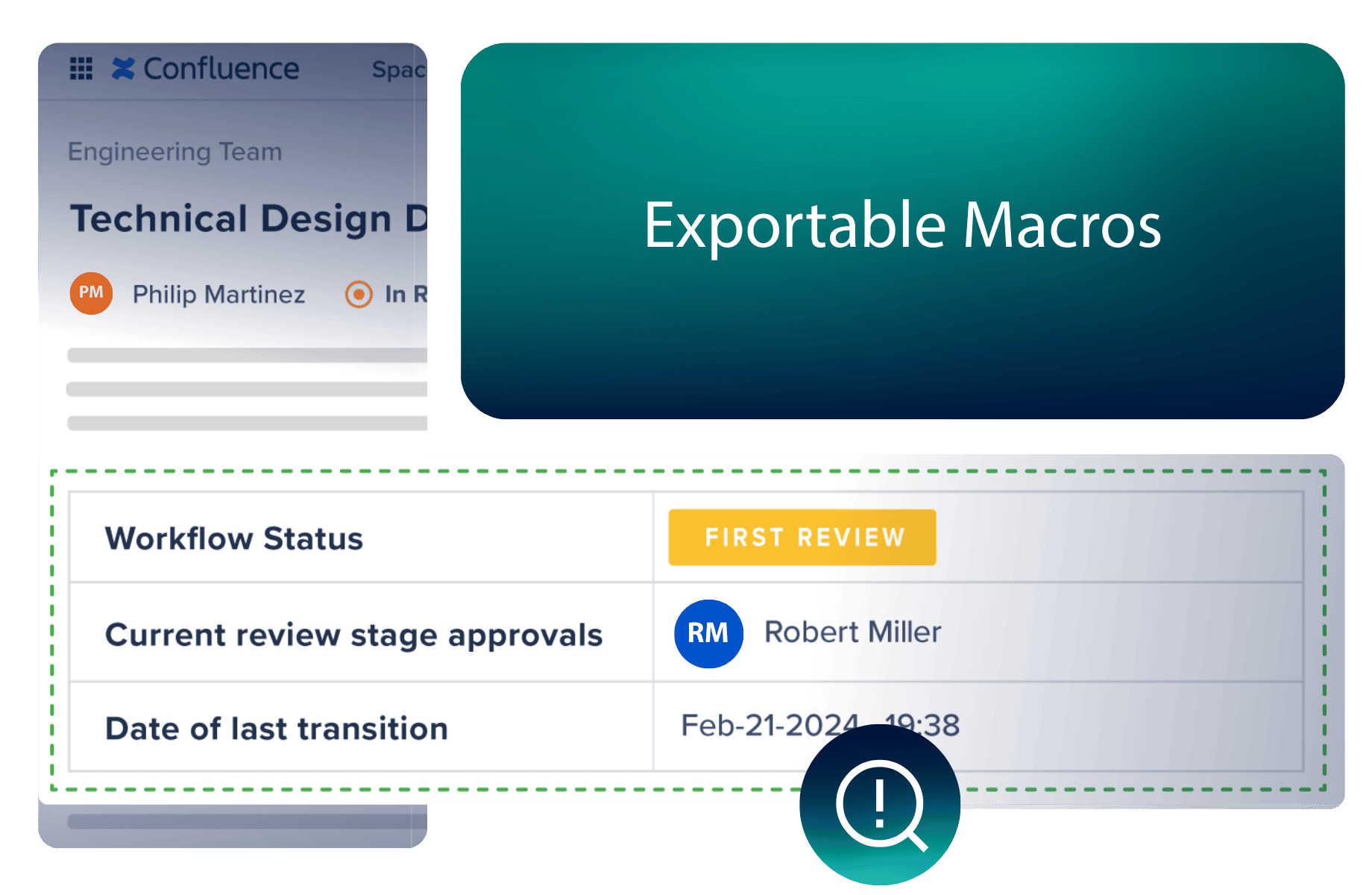
Apply your workflow to Confluence pages and let contributors and reviewers manage each stage. Make the current document status visible, notify the right people and keep approval decisions connected to the content.
See where documents are in the process, identify work that needs attention and review workflow history. Keep the information you need accessible without piecing together updates from emails and messages.
We can now verify every piece of content that gets added: That’s like a superpower.
416 hours saved
Through automated documentation processes, supporting reviews across 17+ contributors in four departments.
As its client-facing documentation grew, RainFocus needed a more reliable way to coordinate reviews, maintain consistent standards and manage contributions from different teams.
With Workflows for Confluence, the team introduced tailored review processes and automated controls, making it easier to track content progress and maintain documentation quality.
Workflows helps you control the document lifecycle in Confluence. If you’re looking to improve content management across other tools, strengthen quality processes or support wider compliance requirements, AppFox has solutions for those challenges too.
Manage content across the tools your teams use
Bring more structure to content reviews, approvals and document management across Confluence, monday.com and Miro, with tools suited to the way different teams work.
Manage content across tools →Make consistent reviews part of everyday work
Establish clear review responsibilities, approval processes and decision records across documentation, projects and collaborative work to help teams follow agreed quality standards.
Strengthen quality processes →Strengthen document and information controls
Combine controlled document management with sensitive-information protection and accessible records to support your organization’s compliance processes and audit preparation.
Improve audit readiness →Both apps help teams manage reviews and approvals, but they’re designed for different requirements.
Approvals for Confluence focuses on page and section-level sign-offs, approval records and reapproval, without needing to build a full workflow.
Workflows for Confluence provides broader document lifecycle management, including custom workflows, multi-stage approvals, official versioning, publishing, expiry and archiving.
Confluence provides native approval and automation functionality, although native approvals are only available on Confluence Premium and Enterprise plans. Some teams also need more tailored controls over how documents move from draft to publication and beyond.
Workflows adds configurable approval processes, official major and minor document versions, cross-space publishing, review and expiry controls, and workflow history.
This makes it particularly useful for teams managing controlled documentation or more complex review processes.
Yes. Workflows includes an in-app migration tool for organizations moving from Comala Document Management Data Center/Server to Confluence Cloud.
You can recreate your workflows, map existing statuses and apply replacement Workflows to migrated pages. Existing Comala workflow history, metadata and approval audit logs aren’t transferred.
Our team can help you explore your migration requirements.
You can start with a workflow template or create your own using the visual, drag-and-drop builder.
Configure the stages, reviewers, transitions and actions that reflect your document processes. The setup involved depends on how many workflows you need and the complexity of your requirements.
Our user guides and tutorials can help you get started.
AppFox provides product documentation, tutorials and customer support to help teams get started and make the most of Workflows.
If you’re managing a large Confluence environment, migrating from another app or introducing complex document processes across several teams, you can speak with our team about your requirements and available support options.
Bring your document reviews, approvals and publishing processes into Confluence, with the flexibility to manage content as your requirements change.
Start your free trial through Atlassian Marketplace, or talk to our team if you’re planning a larger rollout or have more complex requirements.